// new tab, reimagined as a terminal
Search smarter from every new tab.
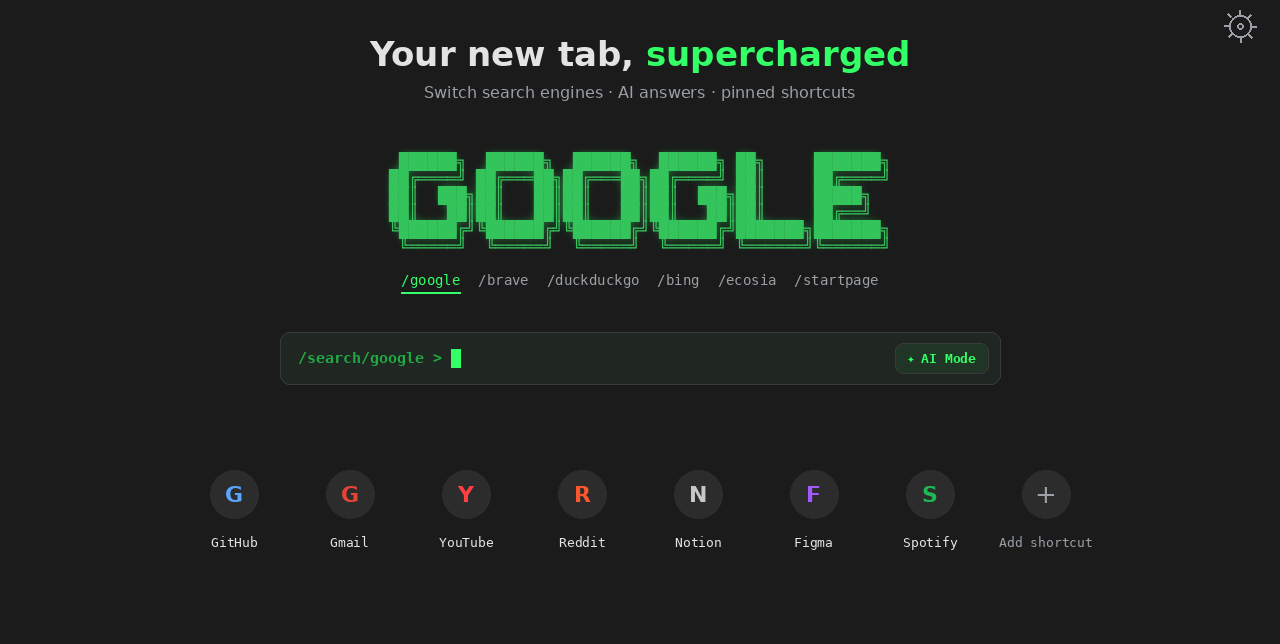
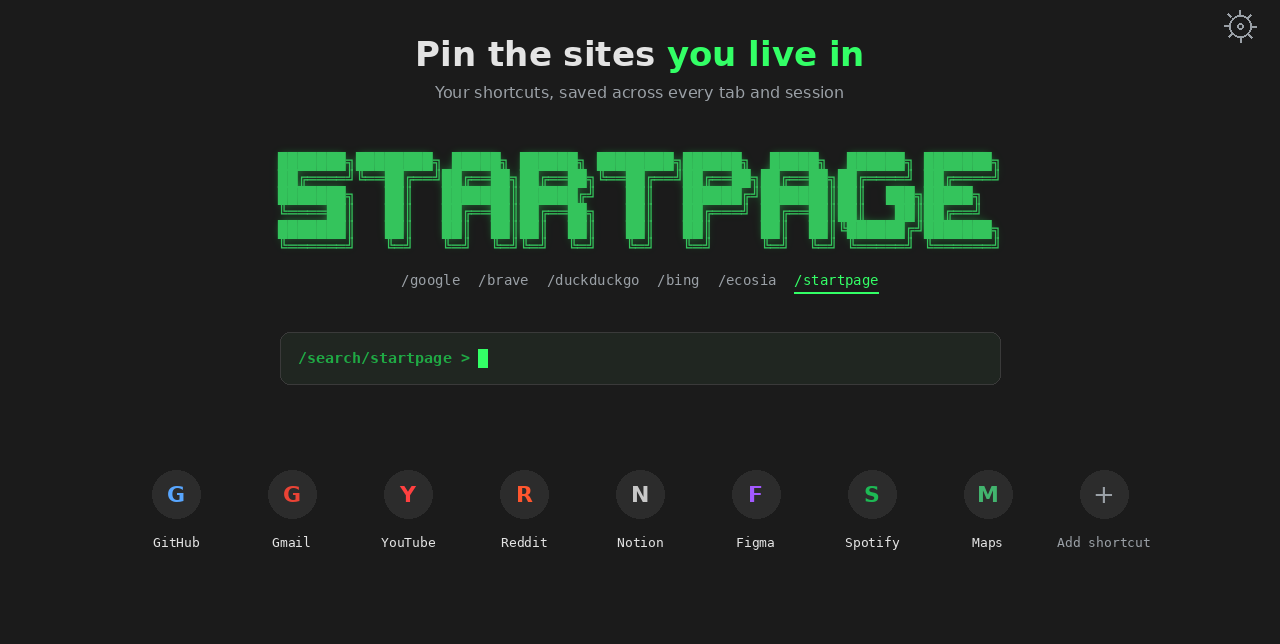
TermTab replaces your new tab page with a fast, minimal start page — switch search engines instantly, fire off an AI search, and pin the sites you actually use.
// features
Built for people who search.
Everything sits one keystroke away — no redirect pages, no clutter, no sign-in.
Instant engine switching
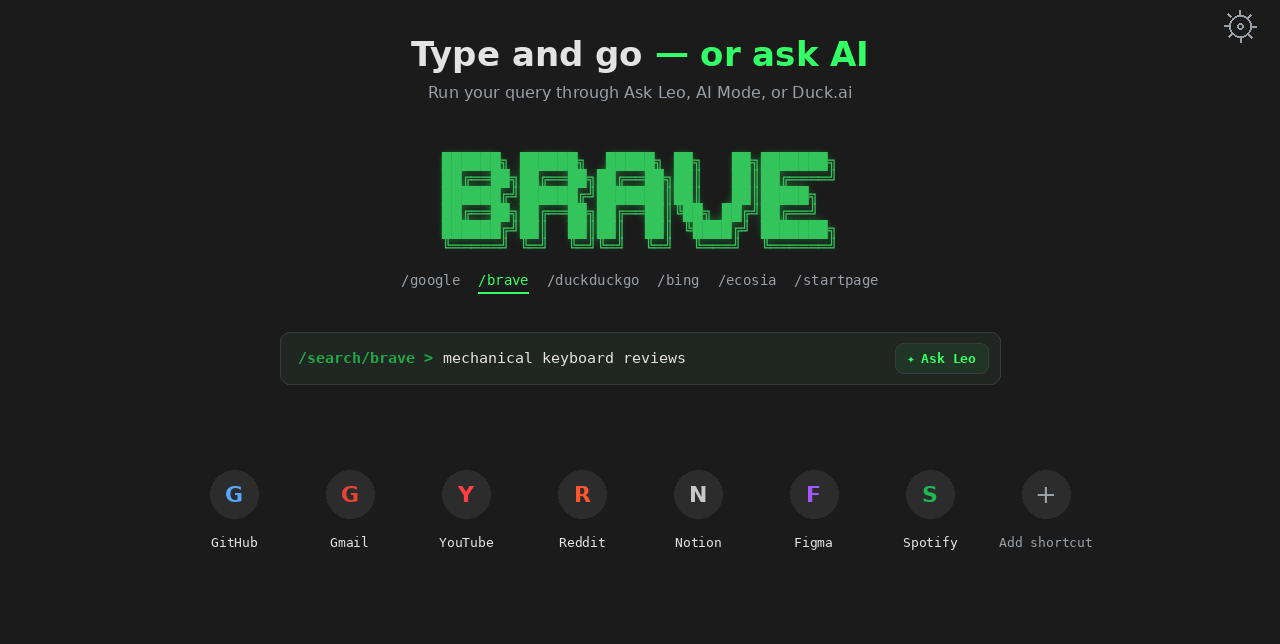
Pick an engine from a clean row of tabs and your query goes straight there.
One-click AI search
On engines that support it, send your query to their AI mode without leaving the bar.
Bring any engine
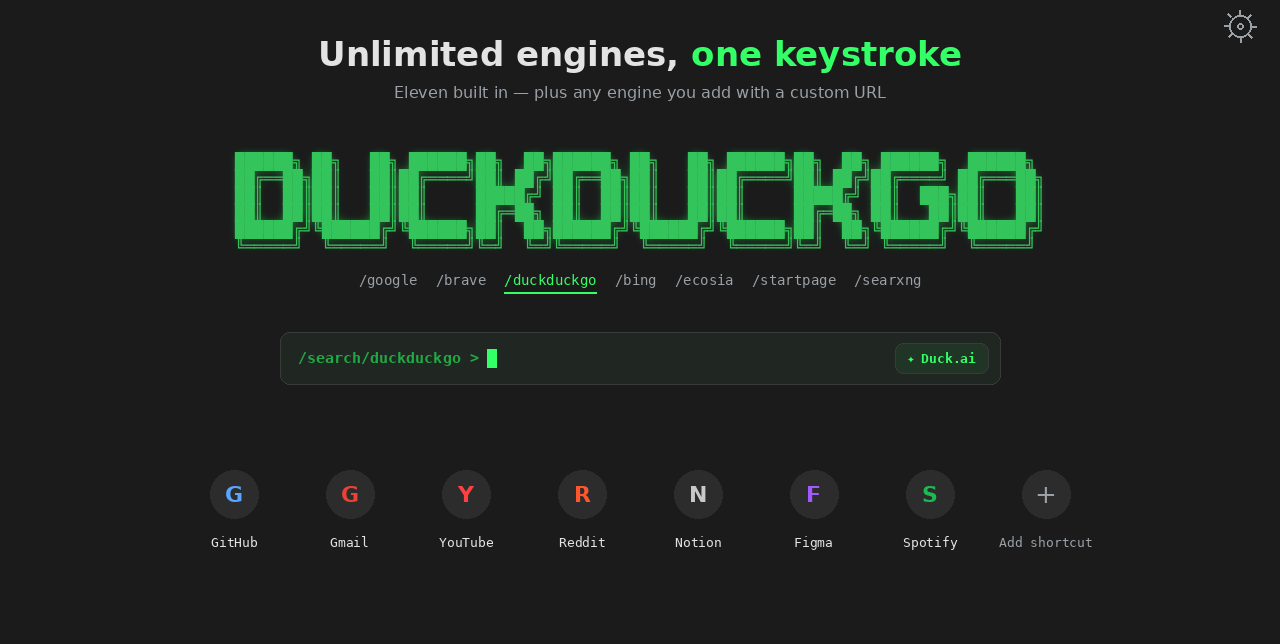
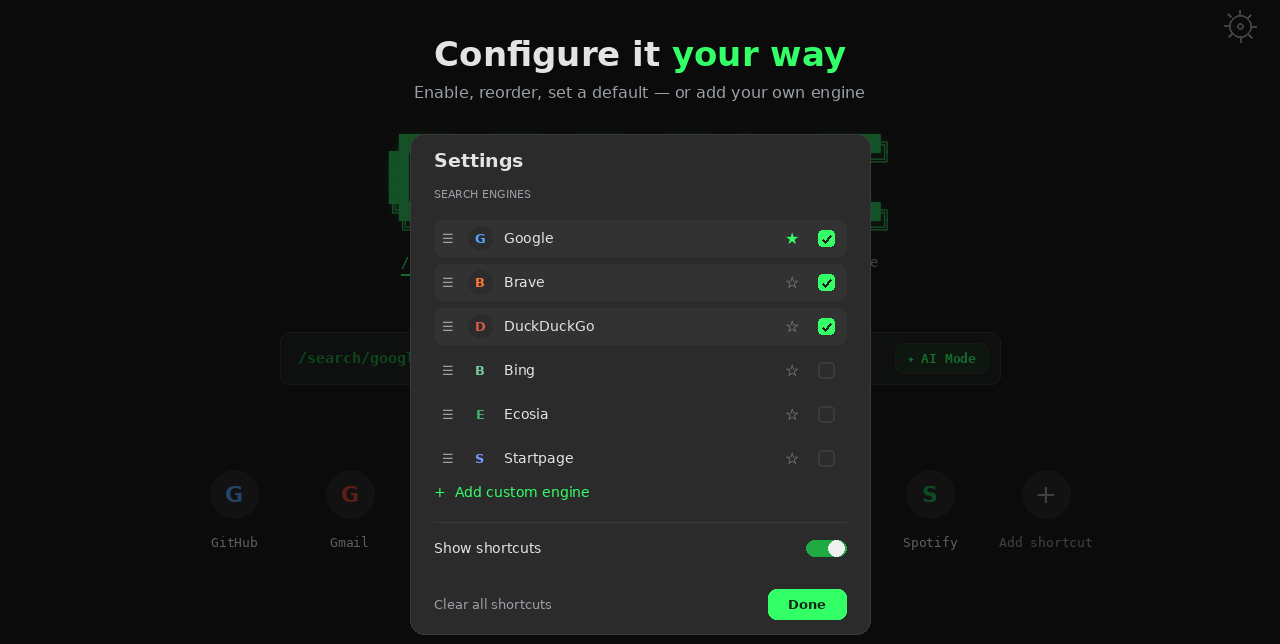
Eleven popular engines are built in — or add your own with a custom search URL.
Pinned shortcuts
Pin the sites you live in. They stay put across every tab and browser session.
Private by design
No accounts, no analytics, no tracking. Your settings never leave your device.
Terminal aesthetic
Phosphor-green ASCII wordmarks and a blinking cursor. A new tab that feels like home.
// screens
See it in action.
Tap any screen to view it full size.
// support
Help & FAQ.
Quick answers to the most common questions.
Which browsers does TermTab support? ›
Any Chromium-based browser — Google Chrome, Brave, and Microsoft Edge.
Does TermTab collect my data? ›
No. Your settings are saved locally on your device through the browser's storage. There are no accounts, analytics, or trackers. See the Privacy Policy for details.
How do I add a custom search engine? ›
Open Settings (the gear in the top-right of a new tab), choose “Add custom engine,” and paste a search URL with %s where the query should go.
Why does it ask for access to duckduckgo.com / duck.ai? ›
Only for the optional “Duck.ai” button. Because Duck.ai's chat page can't take the query in the URL, the extension types your query into the chat box for you. It runs only on those two pages and does nothing else.
How do I pin or remove shortcuts? ›
Use the “+” tile to add a shortcut, hover a tile to edit or remove it, and find “Clear all shortcuts” in Settings. New installs start with an empty board so you can build your own.